
Limits
The view shows availability, attributes, price context, holds, and release. The sale and the contract stay outside it.
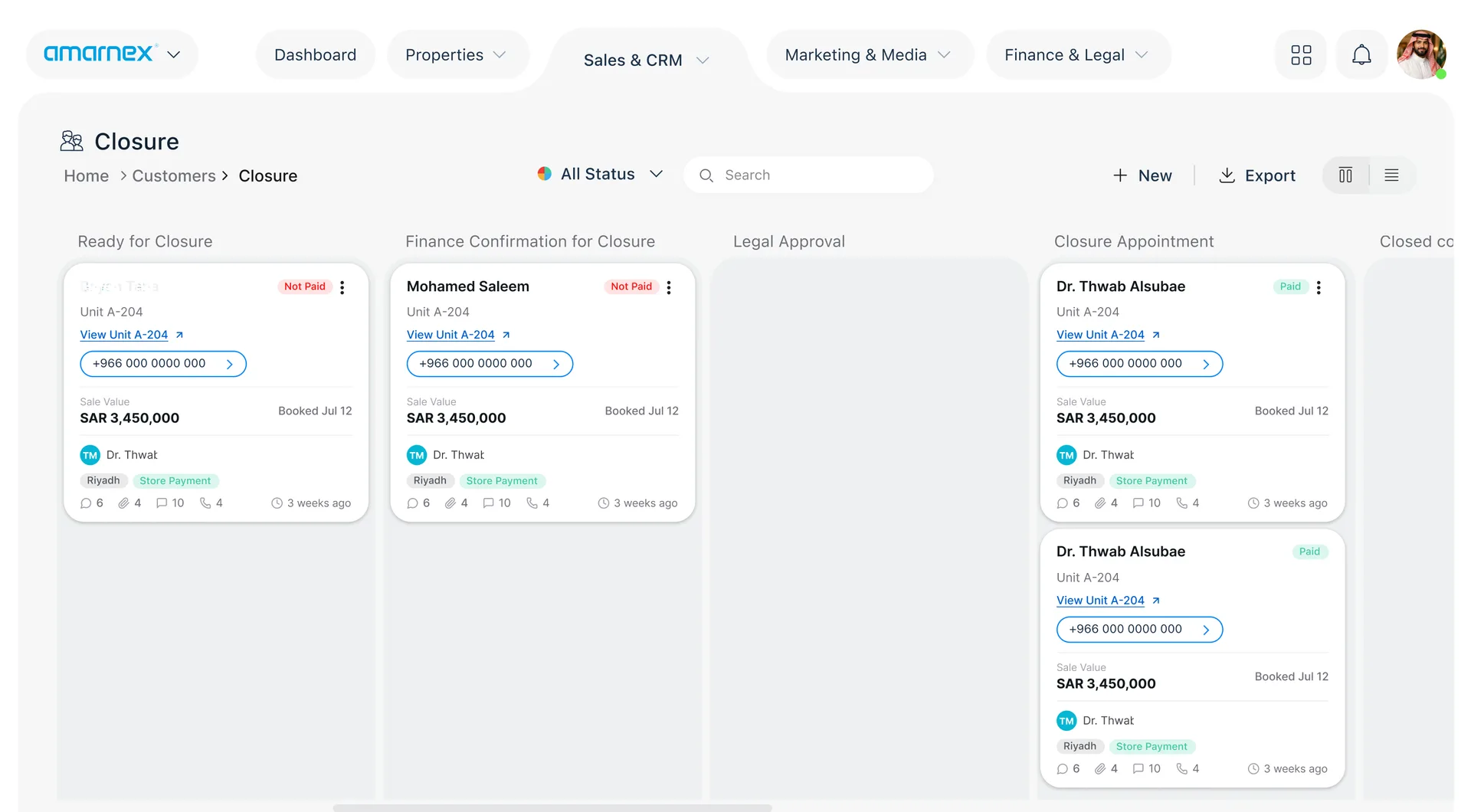
Give authorized teams a current view of unit availability, attributes, pricing context, reservations, holds, and release status.
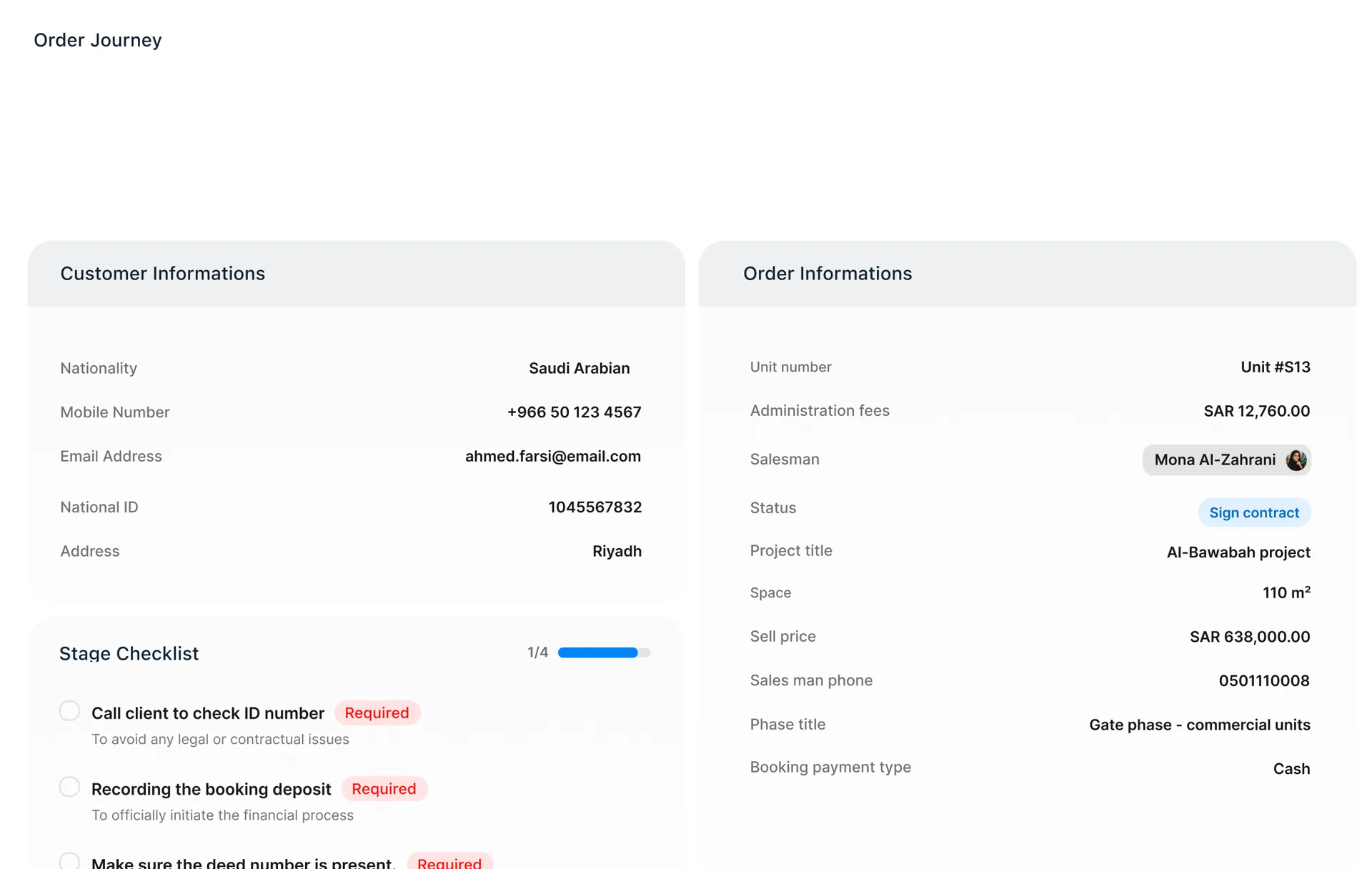
Authorized teams see which units are available, their attributes, and their pricing context, and which are reserved, held, or released. The current status is read from that same view.
Keep a unit’s availability, attributes, and pricing context on one view.
Show the reservation and the hold on the unit, so the team sees what is already taken.
Read the release status to see which unit is free again and which stays reserved.
Hand an available or released unit to the sales conversation with its reservation and hold status attached.
Authorized teams see which units are free, held, or reserved, with the attributes and pricing context that belong to them.

Limits
The view shows availability, attributes, price context, holds, and release. The sale and the contract stay outside it.
Handoffs
An available or released unit goes to sales with its reservation and hold status still attached.
Confirm first
Confirm which units are listed, and who may see pricing, before teams sell from this view.
Limits
The view shows availability, attributes, price context, holds, and release. The sale and the contract stay outside it.
Handoffs
An available or released unit goes to sales with its reservation and hold status still attached.
Confirm first
Confirm which units are listed, and who may see pricing, before teams sell from this view.